




Developing Dynamic Visual Storyboards for Interactive Media Prototyping Workflows

Creating interactive multimedia experiences requires constant iteration, especially during conceptual prototyping where pacing is established. Design…
Creating interactive multimedia experiences requires constant iteration, especially during conceptual prototyping where pacing is established. Design teams often face bottlenecks when building storyboards for dynamic web environments.
Relying on manual illustrations consumes development cycles, while searching stock photography rarely yields sequential images with consistent art direction. When digital projects involve multiple interface states, the required conceptual graphics can overwhelm initial schedules. This friction forces teams to delay testing until polished art is ready or rely on wireframes that fail to convey emotional impact.
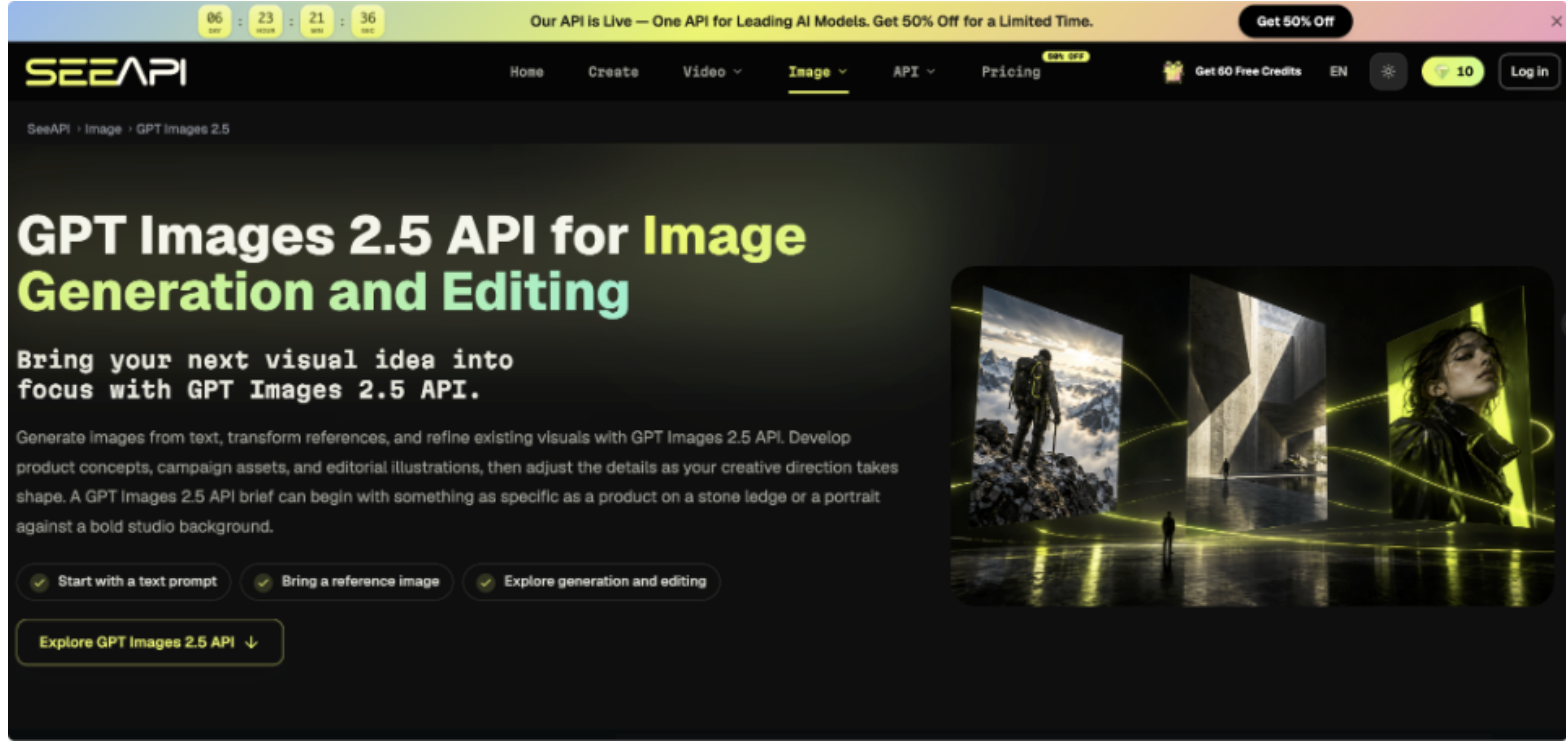
Addressing this visual gap requires moving beyond static libraries and adopting a fluid approach to concept generation. Rather than manually sourcing placeholder images, technical directors need programmatic systems capable of translating descriptive text into visual mockups instantly. Integrating the Image 2.5 API allows development environments to automatically render contextual storyboard frames based on script metadata, bypassing the manual search phase. By implementing automated generation early, creative teams evaluate narrative pacing with relevant visuals, ensuring structural flaws are resolved before committing to final art.
Establishing a Reliable Framework for Conceptual Art
Before introducing automated rendering into pipelines, creative directors must define strict visual logic. Interactive media relies on visual cohesion to guide users through complex paths. If storyboard assets fluctuate in lighting or perspective, stakeholders struggle to evaluate underlying mechanics. The primary objective is to codify visual parameters that remain constant across all conceptual screens, such as color palette, camera angle, and atmospheric lighting.
Documenting these rules standardizes how creative inputs are formatted. A branching narrative requires distinct environments, but transitions must feel native to the application. Design teams should establish a central style guide for prototyping, detailing how characters and backgrounds are represented. This documentation acts as foundational criteria against which generated placeholders are judged, ensuring temporary assets contribute meaningfully to user experience testing.
Establishing this framework also distinguishes functional UI elements from illustrative backgrounds. Prototyping tools need clear boundaries regarding where interactive buttons reside. By mapping spatial relationships beforehand, developers prevent narrative visuals from overlapping with navigation zones, maintaining a clear hierarchy.
Structuring the Automated Asset Generation Pipeline
1. Map Core Narrative Branching Points
Before generating visual assets, teams must parse the flow diagram to identify every distinct scene and narrative branch. This involves creating a database that assigns a unique identifier to each required frame. Systematically cataloging the interactive map ensures no conditional pathways are left without corresponding visual context during testing.
2. Configure the Programmatic Visual Prompts
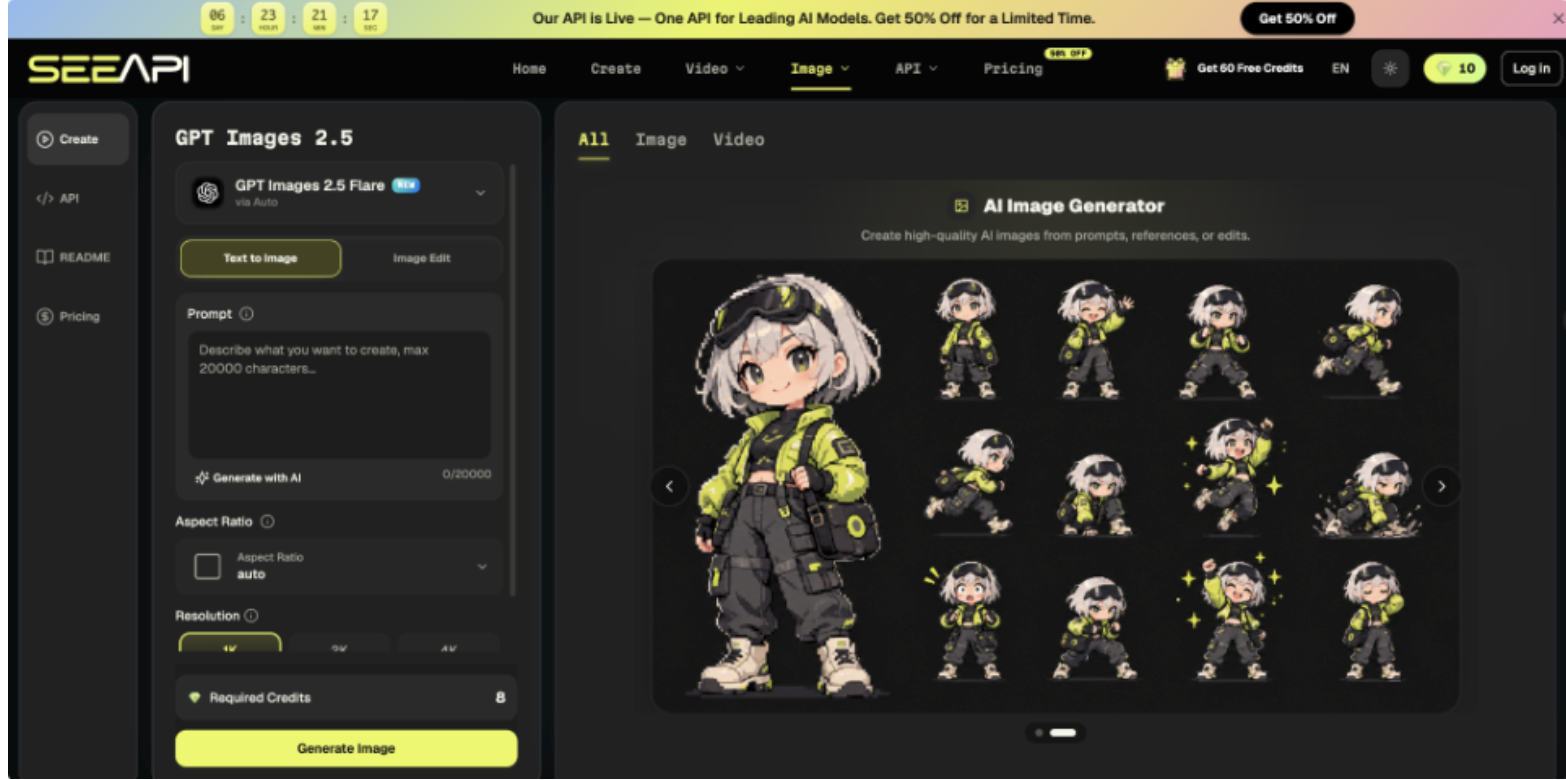
Once narrative nodes are mapped, teams translate creative requirements into structured data queries. Using the ChatGPT Images 2.5 API involves sending specific text prompts alongside parameters for aspect ratio and quantity. A developer formats the input to include style guide keywords combined with the specific action, ensuring generated assets align with predefined aesthetics.
3. Evaluate the Consistency of Iterations
After the initial batch of frames is rendered, art directors review the sequence for continuity. Because automated systems interpret text independently, slight variations in scale can occur. Evaluation involves placing generated images side-by-side within the prototype timeline to check for jarring transitions, adjusting prompt parameters until the sequence flows naturally.
4. Integrate Outputs into Prototyping Tools
The final step routes approved placeholder images directly into interactive design software. This is managed through local scripts that automatically fetch generated files and map them to scene identifiers in tools like Figma. Automating placement accelerates the transition to a playable prototype, allowing stakeholders to experience the flow immediately.
Validating Generated Graphics Against Project Requirements
A critical phase of utilizing dynamically generated storyboards is rigorous validation against technical constraints. An image may look conceptually accurate but fail if it does not meet the resolution for the target device. Mobile-first documentaries require vertical framing where subjects remain within safe zones. Developers must overlay actual interface templates onto images to verify crucial information is not obscured by menus or interactive overlays.
Validation also involves testing narrative comprehension. The purpose of a storyboard is to communicate action clearly. If temporary visuals are overly cluttered, playtesters might misunderstand scene mechanics, leading to skewed feedback. Teams should conduct micro-testing sessions where internal users interact with the visual flow. If testers cannot identify clickable areas, the visual criteria must be simplified and regenerated.
Finally, developers must monitor file sizes of these assets within the prototyping environment. Temporary graphics can bloat a project file, causing the prototype to lag during stakeholder presentations. Implementing a script to compress generated images before import ensures the mockup remains lightweight and responsive for accurate testing.
Refining the Early Stage Multimedia Workflow
Optimizing interactive media production relies on removing bottlenecks between conceptualization and playable testing. By structuring a disciplined approach to defining visual rules and rendering contextual placeholders, teams maintain high velocity during prototyping. Instantly validating layout and user flow with relevant imagery prevents architectural errors from compounding later. Careful attention to technical constraints ensures this accelerated workflow produces genuinely useful testing environments.
Mastering this process shifts the team's focus from manual asset wrangling to high-level experience design. When the burden of populating storyboards is reduced, creative directors have bandwidth to experiment with complex branching logic. Building an automated framework for conceptual visualization establishes a foundation that supports continuous iteration, enabling studios to craft engaging and cohesive multimedia experiences.