






Invisible Text: What It Is, How It Works, and Where It Can Be Useful

Text is usually something we expect to see. When we type a message, create a username, or fill out an online form, the characters we enter normally a…
Text is usually something we expect to see. When we type a message, create a username, or fill out an online form, the characters we enter normally appear on the screen. However, some Unicode characters behave differently: they can occupy a position within a text string without producing a clearly visible symbol.
These characters are commonly referred to as invisible text. They have several legitimate uses, from formatting and spacing experiments to testing how different applications process Unicode content.
Understanding how invisible text works also provides a useful introduction to the way modern websites, messaging platforms, and software applications handle characters behind the scenes.
What Is Invisible Text?
Invisible text is text containing one or more Unicode characters that do not have an obvious visible representation.
Unicode is a universal character-encoding standard designed to allow computers and applications to represent text from different writing systems consistently. In addition to ordinary letters, numbers, and punctuation, Unicode contains various special characters with different properties.
Some of these characters may appear completely blank when displayed. Nevertheless, they can still occupy a position in a text string and therefore be recognized by software as actual characters.
This is why copying an apparently empty piece of text can sometimes produce a different result from simply pressing the spacebar several times.
Invisible Characters vs. Regular Spaces
One of the easiest ways to understand invisible text is to compare it with a normal space.
A regular space is a specific Unicode character used to separate words and other elements of written content. Applications know how to process it and often apply their own rules to consecutive spaces.
Invisible Unicode characters can behave differently. Although they may look similar to an empty space on screen, the underlying character can have different properties.
This distinction becomes particularly noticeable when using websites or applications that automatically remove unnecessary spaces. A normal space may be trimmed or ignored, while another Unicode character may remain part of the text.
The exact behavior depends on the character and the software processing it.
How Does Invisible Text Work?
When a user copies invisible text, the clipboard does not contain an absence of information. Instead, it contains one or more encoded Unicode characters.
When that content is pasted into another application, the receiving software determines how those characters should be handled.
For example, an application might:
- Accept the character and display it as blank.
- Replace it with another symbol.
- Remove it automatically.
- Treat it as whitespace.
- Reject the input entirely.
This explains why an invisible character can work in one service but not in another. There is no universal behavior across every website, operating system, or messaging application.
Common Uses of Invisible Characters
Invisible characters can be useful in several practical situations.
Testing Text Input Fields
Developers can use unusual Unicode characters when testing forms and text-processing systems. This can help reveal how an application handles whitespace, Unicode normalization, character limits, and input validation.
For software that accepts user-generated content, these tests can be particularly useful because users may enter characters that developers did not originally anticipate.
Formatting Experiments
Invisible characters can also be used when experimenting with text layout and spacing. Depending on the application, they may provide different results from conventional spaces.
For people interested in typography, Unicode, or digital text formatting, experimenting with these characters is a simple way to see how different systems interpret text.
Messaging and Social Platforms
Some platforms allow certain invisible characters to be pasted into text fields. Users may experiment with them to create visually empty messages or particular spacing effects.
However, compatibility varies considerably. A character accepted by one platform may be rejected by another, especially when a service applies strict input validation.
Username and Profile Testing
Invisible characters can also be relevant when testing usernames, display names, or profile fields.
A platform may treat visually identical strings as different if they contain different Unicode characters. This is one reason applications need to handle Unicode carefully when designing systems for usernames and account identification.
How to Copy Invisible Text
The simplest way to experiment with invisible characters is to use a dedicated online tool.
Instead of manually searching through Unicode character tables, users can select a suitable character, copy it, and paste it into the application they want to test.
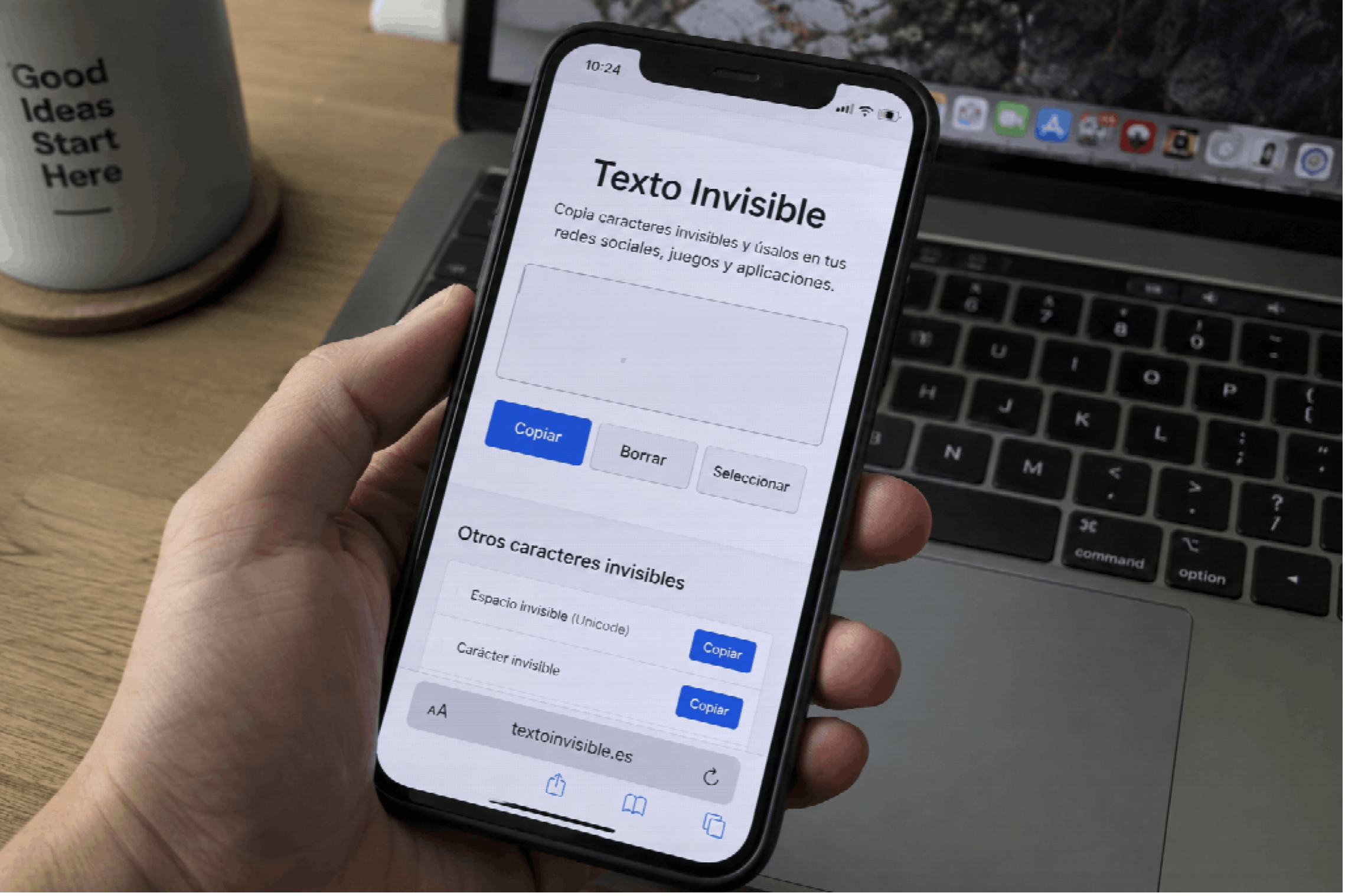
A tool such as Invisible Text provides a convenient way to access and copy invisible characters directly from a browser.
The process is straightforward:
- Open an invisible-text tool.
- Select or generate the desired character.
- Copy it to the clipboard.
- Paste it into the target application.
- Check how the application processes it.
If the character is not accepted, trying another Unicode character may produce a different result.
Why Invisible Text Does Not Work Everywhere
A common misconception is that an invisible character should behave identically everywhere. In reality, modern software can process Unicode in many different ways.
Applications may implement validation rules that prohibit certain characters. Messaging services may sanitize user input before storing it. Websites may normalize Unicode or remove characters they consider unnecessary.
There are also differences between platforms and browsers. A character may appear invisible in one environment while being represented differently somewhere else.
For this reason, invisible text should be considered a compatibility-dependent feature rather than a universal formatting technique.
Things to Consider Before Using Invisible Characters
Invisible characters are generally easy to copy and experiment with, but they should be used thoughtfully.
Because the characters are not visually obvious, they can make text harder for people to inspect or distinguish. This matters particularly when dealing with usernames, identifiers, URLs, or other information where visual clarity is important.
Developers should also consider Unicode normalization and input validation when building applications that accept user-generated text. Two strings that look identical to a person may contain different underlying characters.
For ordinary users, the most important consideration is compatibility. If a platform does not support a particular invisible character, there may be no visible indication of what went wrong.
A Simple Way to Explore Unicode
Invisible text offers an interesting example of the difference between what humans see and what computers process.
A text field that appears empty can still contain meaningful character data. Likewise, two pieces of text that look identical can technically contain different Unicode sequences.
For anyone interested in web development, digital communication, or Unicode, experimenting with invisible characters can provide a practical demonstration of how text is represented and processed by modern software.
Dedicated tools make this experimentation accessible without requiring users to memorize Unicode codes or search through technical character tables. Users can simply copy a character and test it in the environment where they need it.
Ultimately, invisible text is less mysterious than it first appears. It is simply another example of how computer-readable text can contain information that is not immediately visible to the human eye. Understanding that distinction can be useful for both everyday users and developers working with modern digital platforms.